Live Photos
Capture and share moments through Quiet.
 QuietMESSENGER
Get the App (Beta) →
QuietMESSENGER
Get the App (Beta) →
An invite-only messenger for your closest people. Text, voice messages and live photos. No spam, no unwanted groups.
Get the App (Beta) →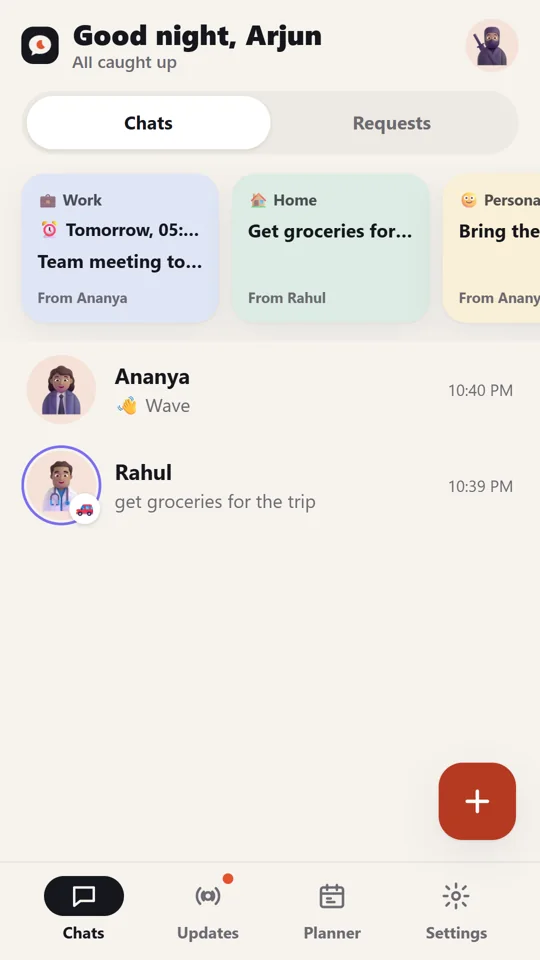
Capture and share moments through Quiet.
Say more, without a call.
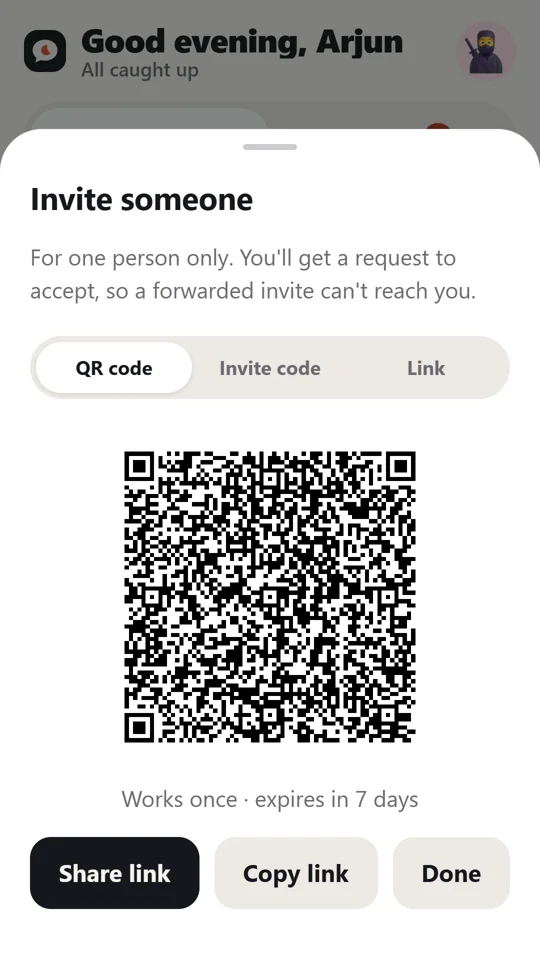
Connect through an invitation, QR code or code.
Your conversations stay temporary.
No public directory. No spam.
No unwanted groups. Just the people you choose.


Share your thoughts.
At your time.

Built for college friends, close circles and meaningful conversations.
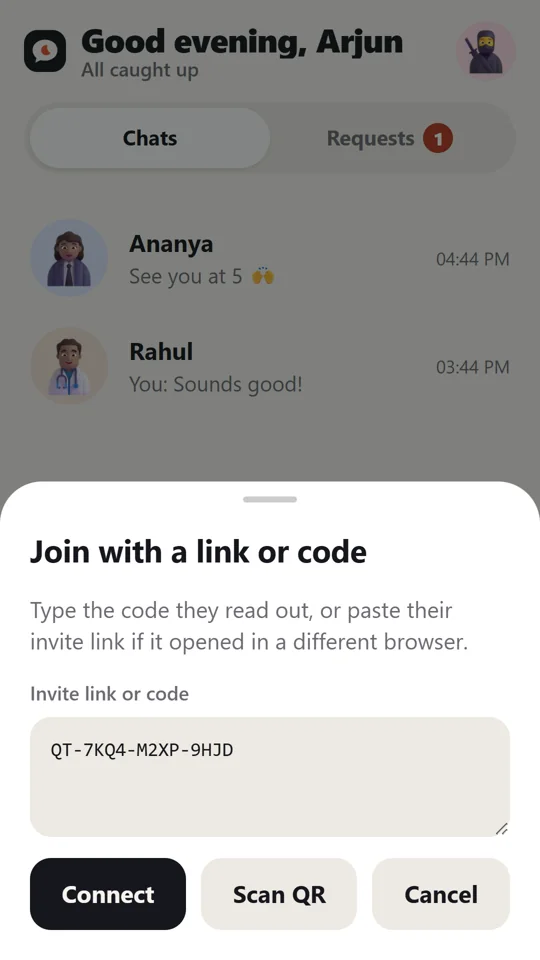
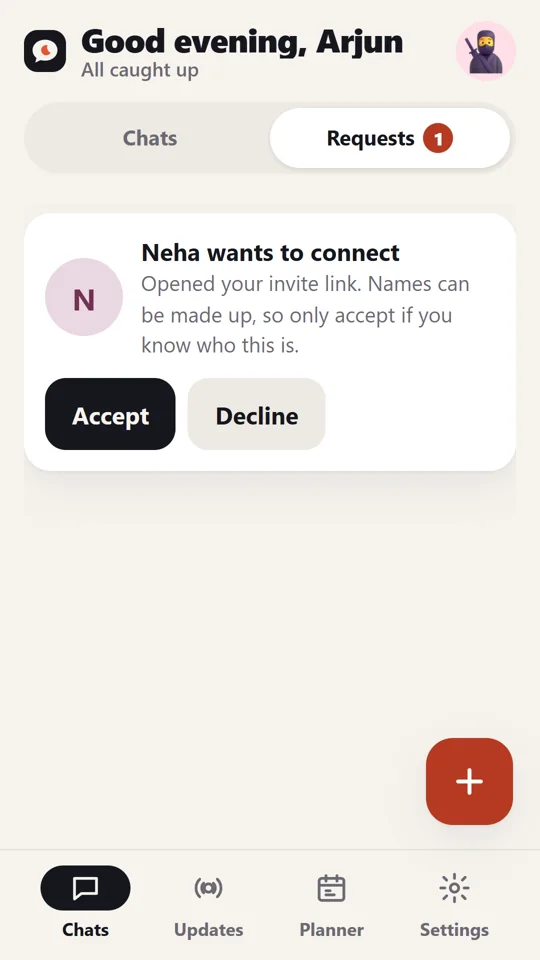
From invite to first message in under a minute.
 1
1Join through a link, QR code or code.
 2
2Send a request to the person you know.
 3
3They approve or decline your request.
 4
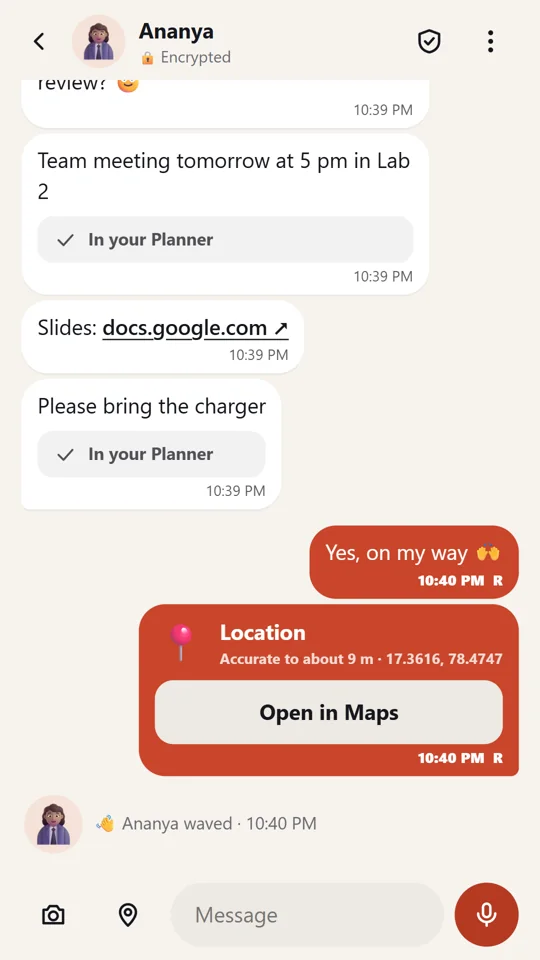
4Messages, voice notes and live photos.
You control who connects.
No spam. No unwanted groups.
Real people you know.
Conversations that add value.
No. Everything is encrypted on your phone. Our server only holds scrambled messages, deleted once delivered or within 24 hours.
No. Join with just a name. Connect through an invite link, QR code or code.
On purpose. Use your phone’s dialler for calls; Quiet keeps messages private and calm.
Yes. Free, with no ads, ever.
Your circle.
Your rules.
Try Quiet and create your own circle today.

Get via QR CodeScan with your phone
On iPhone? Open Quiet in Safari, then Share → Add to Home Screen.